
Ship Flutter apps from the Mac you already trust.
Oore is self-hosted mobile CI for teams that want their source, signing assets, and Apple toolchain on infrastructure they operate.
macOS runtime · Android, iOS, and macOS · MIT licensed
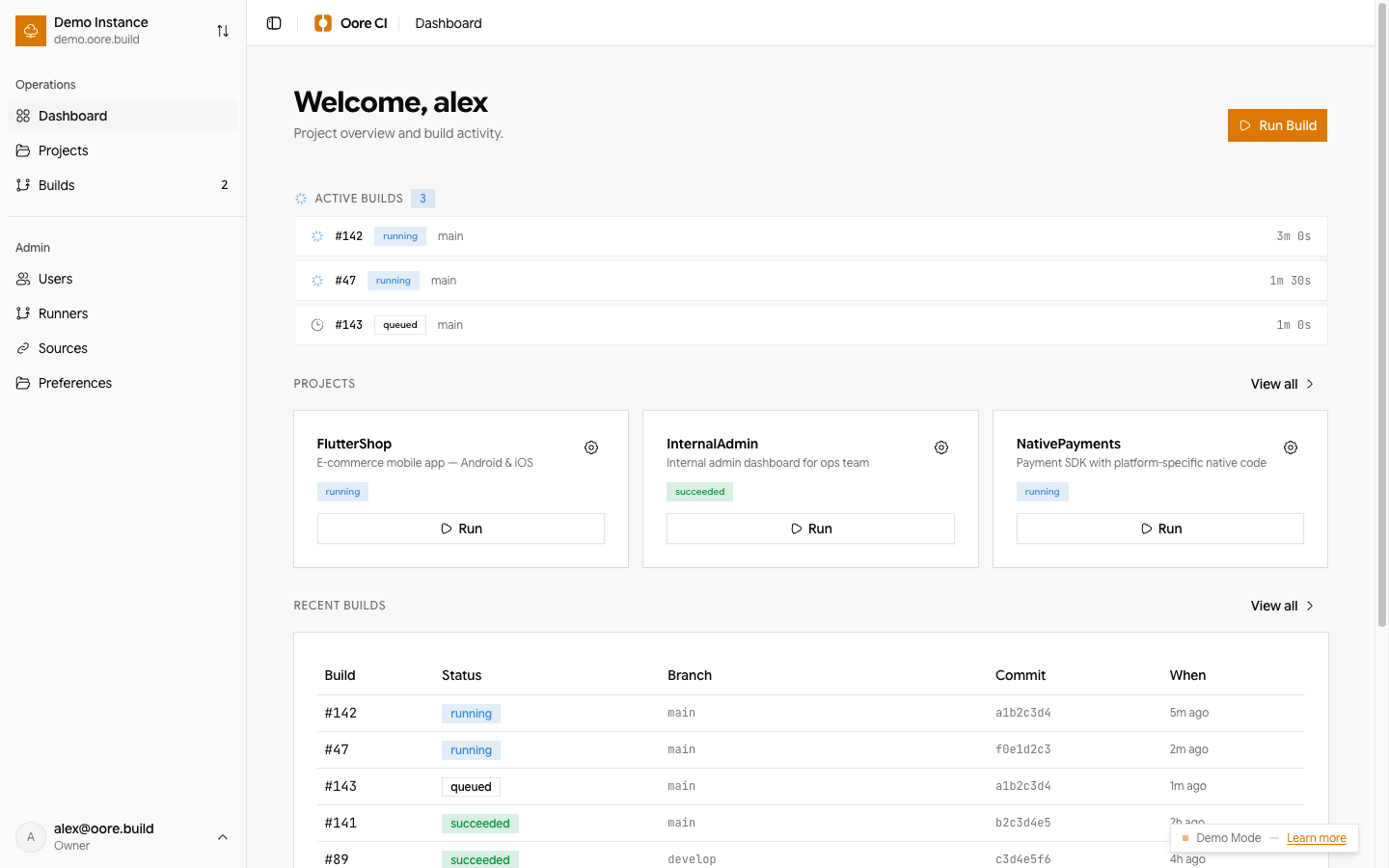
Every Flutter target
Android, iOS, macOS
Your source provider
GitHub, GitLab, local Git
Your access model
Local, OIDC, trusted proxy
One visible path from revision to installable artifact.
Oore keeps the control plane understandable while the actual build stays on macOS hardware you operate.
- 01Connect your sourceLink GitHub, GitLab, or a local repository. The selected source is the execution trust boundary.
- 02Describe the buildKeep the workflow in your repository and let Oore resolve it at the exact revision being built.
- 03Run on your MacA managed Direct runner checks out the revision and uses the Flutter toolchain on macOS.
- 04Ship the artifactSign, verify, and distribute Android, iOS, and macOS outputs from one operator workspace.
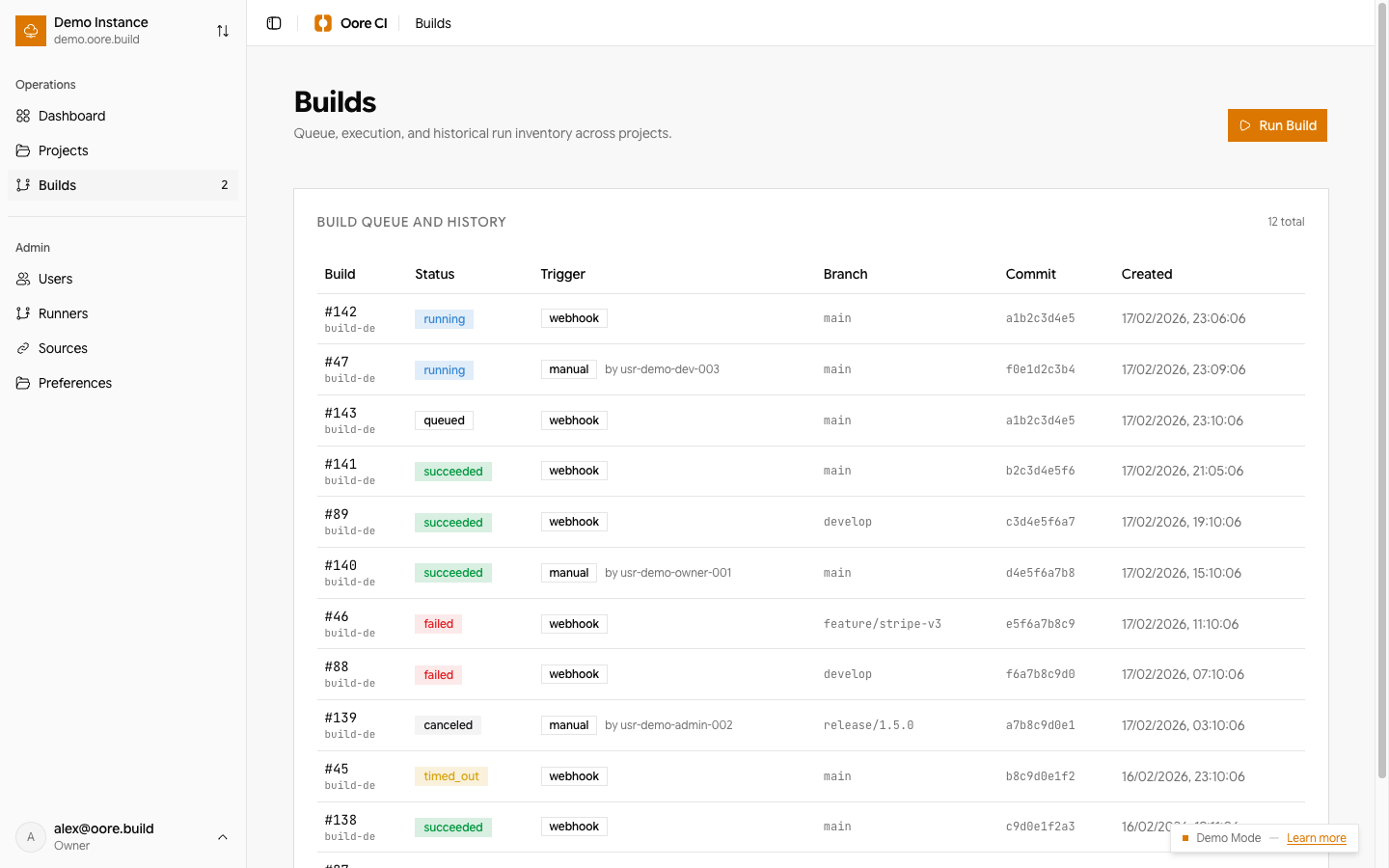
Operate the build, not the build server.
The web UI uses the same compact Nova components, neutral surfaces, amber actions, and clear state language you see here.
- Watch the queue, live logs, and build state without living in SSH.
- Keep projects, runners, sources, users, and operational policy together.
- Give QA a release-first workspace for installable artifacts.
Direct execution, clearly bounded.
Direct mode prioritizes macOS toolchain compatibility. Build commands run with the permissions of the runner account, so Oore does not present it as a hostile-code sandbox.
Read the security boundariesStart with one Mac.
The guided installer prepares the daemon and local web UI. Register the managed Direct runner, connect a repository, and run the first build.
Read installation detailscurl -fsSL https://oore.build/install | bash